Best Temperature to Set Thermostat in Summer: The Complete Comfort and Savings Guide
Find the number that keeps you comfortable, protects your air conditioner, and keeps your cooling bill under control.
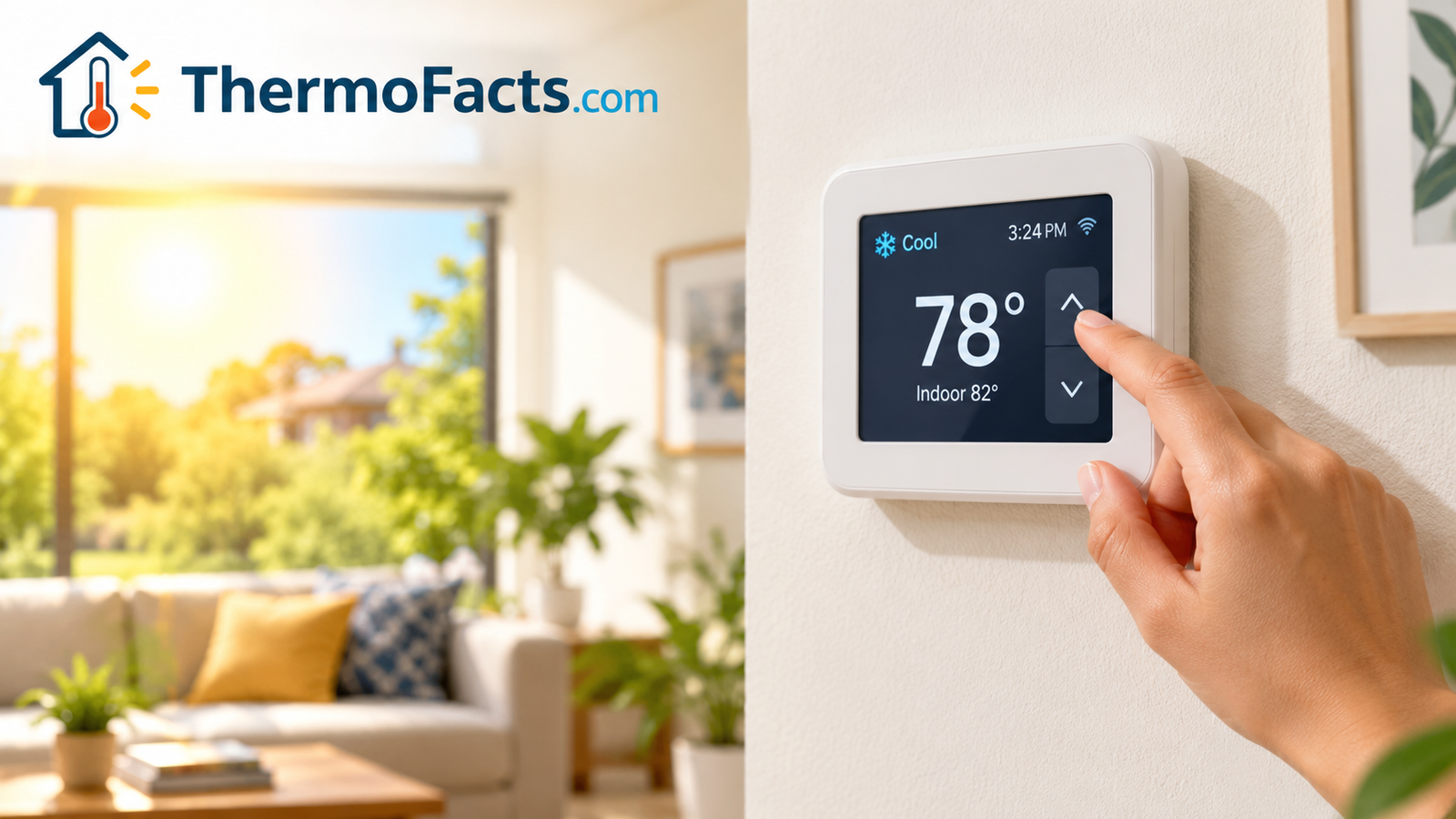
Every summer, the same quiet argument plays out in homes everywhere. One person wants the house to feel like a refrigerator. Another is staring at the electric bill and wondering why it looks like a car payment. In the middle sits a small plastic box on the wall, and the number on it decides who wins.
The good news is that there is a sensible answer, and it is backed by decades of energy research rather than guesswork. The better news is that you do not have to suffer to follow it. With a handful of smart habits, a setting that sounds warm on paper can feel perfectly comfortable in real life. This guide walks through the best temperature to set your thermostat in summer, why that number works, how to adjust it for sleeping, working from home, vacations, babies, older relatives, and pets, and what to do when your house simply refuses to cooperate.
If you are brand new to the topic, it helps to understand the device itself first, so take a minute with our explainer on how thermostats work before diving in. If you want to practice reading the display, our guide to how to read a thermostat covers the symbols and modes you will see on most wall units.
1. The Short Answer: What Is the Best Summer Thermostat Setting?
That single sentence answers most of what people are really asking. It also happens to be the recommendation the U.S. Department of Energy has promoted for years as a balance between comfort and efficiency. The reason is simple physics: the greater the difference between the temperature inside and the temperature outside, the harder your air conditioner has to work to maintain it. A house held at 72°F on a 95°F afternoon is fighting a 23-degree gap. A house held at 78°F is fighting 17. That smaller gap translates directly into shorter run times and a smaller bill.
Of course, a number on a thermostat is not the same thing as how you feel. Humidity, airflow, clothing, what you ate for lunch, and whether the sun is beating on your living room window all change your experience of a given temperature. So think of 78°F as a starting point. Many people find they are happy at 76 or 77, and plenty are comfortable at 79 or even 80 once a ceiling fan is running. The sections below help you tune your own number.
A quick reference chart
| Situation | Suggested Setting | Why |
|---|---|---|
| Home and awake | 76–78°F (24–25.5°C) | Best balance of comfort and savings |
| Home with ceiling fans running | 78–80°F (25.5–27°C) | Moving air makes you feel several degrees cooler |
| Away at work (8+ hours) | 84–88°F (29–31°C) | Big setback with minimal comfort impact |
| Sleeping | 72–76°F (22–24°C) | Cooler air supports deeper sleep for most adults |
| Extended vacation | 85–88°F (29–31°C) | Protects the home from humidity while saving energy |
2. Why 78°F Became the Benchmark
The 78-degree recommendation is not arbitrary and it is not a punishment. It comes from energy-efficiency guidance that looks at how much electricity cooling consumes and where the sweet spot sits between human comfort and operating cost. For most homes in most climates, 78°F is warm enough to cut real money from your bill and cool enough that most adults feel comfortable in light clothing.
The savings math
A commonly cited rule of thumb is that every degree you raise the setting for an extended period can trim roughly 1 to 3 percent from your cooling costs. The exact figure depends on your climate, your insulation, the age and efficiency of your equipment, and how your home gains heat. In a well-sealed house in a moderate climate, the savings per degree tend to be on the higher end. In a leaky older house in a very hot region, they tend to be lower, because the system is running constantly anyway. Still, the direction is always the same: warmer settings use less energy.
What is really happening inside your system
Your air conditioner does not cool the way a freezer does. It removes heat from indoor air and dumps it outdoors, and it keeps doing that until the thermostat says the target has been reached. Heat constantly leaks back in through walls, windows, the attic, and every time a door opens. When the target is far below the outdoor temperature, that leak is relentless and the compressor cycles on frequently and runs longer. When the target is closer to the outdoor temperature, the leak slows and the system can rest.
Comfort is personal
Not everyone agrees on what feels good. Body size, age, activity level, health, and acclimatization all matter. A person who has lived in a hot climate for decades often feels fine at 80, while someone who just moved from a cooler region may feel sticky at 76. The point of the benchmark is to give you something to aim for, not to force a number on you. Start at 78, live with it for a few days, and move one degree at a time until it feels right. Each degree you can gain back is a small, steady reward on your bill.
Benefits of the 78°F approach
- Lower energy use and cooling costs
- Less wear on the compressor and fan
- Less temperature shock going outside
- Better humidity removal from longer, steadier cycles
Trade-offs to consider
- Some people feel it is too warm without fans
- Rooms with strong sun can run hotter
- May need airflow help in upstairs rooms
- Requires a short adjustment period
3. Daytime Settings When You Are Home
When you are home and moving around, you generate body heat, run appliances, and open doors. This is where most people want the system to work hardest, and it is also where a few small choices can save the most money.
Start warmer than you think
Try 78°F for the first few days, and pair it with airflow. A ceiling fan turning counterclockwise in summer pushes air downward and creates a gentle breeze across your skin. That moving air increases evaporation from your skin, which is the body’s natural cooling mechanism, and it can make a room feel roughly four degrees cooler than the thermostat reads. The fan does not lower the actual air temperature, so turn it off when you leave the room. A fan cools people, not rooms.
Work-from-home considerations
If you work at a desk all day, you are sitting still and producing less heat than someone cooking or cleaning. Many people find they feel slightly cooler while sedentary, so they are tempted to nudge the setting up. On the other hand, a laptop, monitor, and sun through a window can warm a small office quickly. If your home office runs hotter than the rest of the house, consider a small fan at your desk, blinds on the sunny side, and a setting of 77 or 78 on the main thermostat rather than lowering the whole house for one room.
Cooking and laundry days
Ovens, stovetops, dryers, and dishwashers add heat to your home. On days when you are cooking a big meal or running several loads, you may see the indoor temperature creep up even though the system is working. Use the range hood fan, run heat-producing appliances in the early morning or late evening, and consider grilling outside or using a microwave or air fryer when possible. These small shifts keep the system from fighting your kitchen.
Think in time blocks, not a single number
Outdoor heat peaks in the late afternoon, usually between three and six o’clock, long after the sun is highest in the sky. That is because the house keeps absorbing heat all day and releases it slowly. If you wait until the house feels hot to react, you are already behind. A better approach is to pre-cool modestly in the morning, when outdoor air is mildest and electricity is often cheaper, and then let the setting drift up a degree or two during the afternoon peak. If your utility offers time-of-use pricing, that strategy can reduce your bill even further, because you avoid running the system hardest when rates are highest.
The reverse also works in the evening. Once the sun drops and outdoor air cools, you can open windows on opposite sides of the house to create a cross-breeze, flush out the stored heat, and give your air conditioner a break. Close everything again in the morning before the day warms up. On mild evenings, this simple habit can replace hours of mechanical cooling.
Give yourself a two-week adjustment period
Bodies adapt to temperature more than most people realize. If you have spent months in a house held at 72, moving to 78 will feel warm at first. After a week or two, your body adjusts, and the same setting feels normal. Make changes gradually, one degree every few days, and resist the urge to give up on day one. Many households discover that the number they thought they needed was really just a habit.
Feature list: easy daytime wins
- Close blinds or curtains on south- and west-facing windows during peak sun
- Run ceiling fans in occupied rooms only
- Wear lightweight, breathable clothing at home
- Drink cold water regularly to feel cooler from the inside
- Use bathroom and kitchen exhaust fans to vent heat and moisture
- Keep doors to unused rooms closed so the system serves the space you actually use
Daytime is also when your thermostat’s location matters. If it sits in direct sun, near a kitchen, or on a hot wall, it will read warmer than the rest of the house and run the system more than needed. If your display seems off, see our troubleshooting article on why a thermostat shows the wrong room temperature.
4. Setting It When You Are Away
The single easiest way to save on summer cooling is to stop cooling an empty house. Energy guidance suggests that setting your thermostat 7 to 10 degrees higher than your normal setting for about eight hours a day, such as during a work shift, can reduce annual heating and cooling costs by up to around 10 percent. In practice, that means 85 or 86 degrees while you are gone if your comfort setting is 78.
Is it bad to let the house get hot?
For most homes, no. A warm but not extreme indoor temperature does not damage furniture, floors, or electronics, and your AC will recover when you return. The cost of recovering from a large setback is generally smaller than the cost of holding the house cool all day. The important exceptions are pets, plants, and anyone who is vulnerable to heat, which we cover in the household section below.
The recovery question
People worry that the system will have to work extra hard to cool the house back down, wiping out the savings. In reality, the house loses its cool slowly and regains it at a steady pace, so the savings from the long setback outweigh the extra run time at the end. A smart thermostat can start cooling shortly before you arrive so the house is comfortable at the door. The home and away feature and geofencing thermostats automate this using your phone’s location.
Heat pumps and multi-stage systems
Some systems, especially heat pumps with auxiliary heat or single-stage equipment in humid climates, do not like very large swings. If you have a heat pump, a moderate setback of 4 to 6 degrees is often a more sensible target than 10. Our guide to the best thermostat for a heat pump explains what to look for.
Suggested away settings
| Time Away | Comfort Setting 78°F | Notes |
|---|---|---|
| 2–4 hours | 82–84°F | Modest savings; small setback is enough |
| 8–10 hours | 85–88°F | Best savings per effort |
| Overnight trip | 84–86°F | Keep humidity in check |
| One week or more | 85–88°F | Use a dehumidify setting if available |
5. The Best Bedtime Temperature
Sleep is the one time of day when most of us are willing to spend a little extra on cooling. Your body temperature naturally drops as you fall asleep, and a cool bedroom helps that process along. Sleep experts commonly point to a bedroom range of roughly 60 to 67°F for ideal rest, which is lower than what most people are willing or able to maintain in a hot summer. A practical summer target for most adults is between 72 and 76°F, nudging cooler if you tend to overheat.
Finding your personal sweet spot
Try 76°F for a few nights. If you wake up sweaty or restless, drop to 74 and reassess. Light, breathable bedding such as cotton or linen, a lightweight blanket you can kick off, and a fan on low can let you keep the setting a degree or two higher. Our detailed look at the ideal room temperature for sleeping goes deeper into the science.
Use a schedule rather than manual changes
Instead of dropping the thermostat by hand every night, program a gentle step down about an hour before bedtime and a step up about an hour before you wake. That way the room is cool when you climb in and you are not paying to chill an empty bedroom at midday. Many smart and programmable thermostats make this effortless.
Bedtime tips that work
- Take a lukewarm shower before bed; the body cools afterward
- Keep blinds closed on the bedroom’s sunny side during the day
- Use a ceiling fan or small tower fan on low
- Switch to moisture-wicking sheets or a cooling mattress pad
- Keep electronics out of the bedroom, since they add small amounts of heat
Cooler bedroom benefits
- Easier to fall asleep
- Fewer night-time wake-ups
- Less sweating and tossing
Drawbacks
- Higher night-time energy use
- Partners may disagree on the number
- Over-cooling can feel clammy
6. Humidity and the Feels-Like Effect
If you have ever stepped into a house at 76°F that felt oppressive, you have met the real villain of summer comfort: humidity. Air with a lot of moisture slows the evaporation of sweat from your skin, which is how your body sheds heat. The result is that 76°F with 70 percent humidity can feel much warmer than 78°F with 40 percent humidity.
The target range
Most comfort and building guidance points to an indoor relative humidity of about 30 to 50 percent, with 45 to 50 being a practical upper limit in summer. Above 60 percent, you invite mold, dust mites, musty odors, and a clammy feeling no matter how cold the air is. Below 30 percent, you may notice dry skin and static, though this is less common in summer.
How your AC helps (and when it does not)
Air conditioners dehumidify as a side effect of cooling, because moisture condenses on the cold evaporator coil and drains away. This works best when the system runs in longer, steadier cycles. An oversized system, or one set far too low, tends to short-cycle: it cools the air fast, shuts off, and does not run long enough to pull out much moisture. That is why a house can feel cold and damp at the same time.
If humidity remains high even when the system is working, a whole-home solution may help. Our explainer on what a whole-house dehumidifier is covers how it works and when it is worth it. Variable-speed equipment can also help; see what inverter technology in HVAC is.
Measuring humidity
You cannot manage what you do not measure. An inexpensive indoor hygrometer shows your actual relative humidity, and many smart thermostats display it too. Place it in the main living area, away from the kitchen and bathroom, and watch it over several days.
| Indoor Humidity | How It Feels | What to Do |
|---|---|---|
| Below 30% | Dry, static, scratchy throat | Reduce ventilation or add moisture |
| 30–50% | Comfortable | Ideal range; maintain it |
| 50–60% | Slightly sticky | Run dehumidify mode or exhaust fans |
| Above 60% | Clammy, musty, mold risk | Use a dehumidifier and have the AC checked |
7. Feeling Cooler Without Lowering the Number
The cheapest degree of cooling is the one you never have to buy. Before you reach for the thermostat, consider these low-cost ways to make a warm setting feel much more comfortable.
Block the sun
Sunlight streaming through windows is a major source of indoor heat. Closing curtains, installing reflective window film, or adding exterior shades can cut solar heat gain dramatically. Do this on the sunniest sides first, usually south and west. Light-colored, thermal-backed curtains offer a quick, renter-friendly fix.
Seal and insulate
Gaps around doors, windows, and attic hatches let hot air in and cool air out. Weatherstripping and caulk are inexpensive and effective. Attic insulation helps in summer just as it does in winter, keeping the hottest part of the house from radiating heat downward. For more ideas, read our roundup of HVAC energy efficiency tips.
Use airflow wisely
Fans use far less electricity than an air conditioner. If you are curious about the running cost, our piece on how much electricity the thermostat fan uses breaks it down. A ceiling fan costs only pennies per hour, so using one to justify a two-degree increase on the thermostat is almost always a win.
Manage internal heat
Incandescent bulbs, ovens, dryers, and electronics all add heat. Switch to LED bulbs, cook outdoors on hot days, and hang laundry outside when you can. Small changes accumulate.
Cool the person, not the house
- Keep a spray bottle or damp cloth for your neck and wrists
- Choose cold water bottles and insulated drinkware to stay hydrated; our guide to the best thermos for cold drinks can help
- Eat lighter meals, which generate less internal heat during digestion
- Wear light colors and loose natural fabrics
| Tactic | Typical Cost | Comfort Impact |
|---|---|---|
| Ceiling or box fan | Low | Feels about 4°F cooler |
| Thermal curtains or blinds | Low to moderate | Reduces solar heat noticeably |
| Window film | Low | Blocks a share of sun heat |
| Weatherstripping and caulk | Very low | Reduces leaks and hot drafts |
| LED bulbs | Low | Less waste heat indoors |
8. Settings by Household Type
The 78-degree guideline assumes healthy adults. Real households are more varied, and some members need extra consideration.
Babies and young children
Infants cannot regulate their body temperature as well as adults. Pediatric guidance generally suggests keeping a baby’s room comfortable, commonly around 68 to 72°F, and dressing the child in light layers rather than overheating the room. Avoid heavy blankets, and check that your child is not sweating or flushed. If the nursery runs warm, use the thermostat plus a safe amount of airflow rather than extra bedding.
Older adults
Older adults can be more vulnerable to heat because the body’s cooling responses weaken with age and some medications affect temperature regulation. A setting a few degrees cooler than the standard recommendation is often wise, and a large setback while away is not a good idea if someone is home. If you are choosing equipment for a parent or grandparent, our guide to the best thermostat for elderly users focuses on large displays and simple controls.
Pets
Dogs and cats overheat more easily than people do. If pets are home during the day, avoid setbacks above about 80 to 82°F, and make sure they have cool water and shade. Short-nosed dogs, puppies, seniors, and animals with heavy coats are especially sensitive. Rabbits and certain birds are even more fragile. When in doubt, err cooler.
Remote workers and shift workers
If you are home during the day, there is no setback to take advantage of. Instead, focus on zoning, fans, and shades. Shift workers who sleep during the day may want to schedule cooling for their sleep window and warm up the house during their waking hours at work.
Renters
Renters often cannot replace wired thermostats, but they can still save with the right device. See our guide to the best smart thermostats for rental properties and the best budget thermostats under 50 dollars.
| Household | Home Setting | Away Setting | Key Note |
|---|---|---|---|
| Healthy adults | 76–78°F | 85–88°F | Standard guidance |
| Baby in home | 68–72°F in nursery | Avoid large setback | Dress lightly; do not overheat |
| Older adults | 74–76°F | Moderate setback only | Heat vulnerability is real |
| Pets at home | 75–78°F | Max 80–82°F | Provide water and shade |
| Houseplants | Below 85°F | Below 85–88°F | Avoid prolonged extreme heat |
9. Climate and System Type
Your region and your equipment change the ideal setting. A summer in a dry desert is nothing like a summer on a humid coast.
Hot and dry climates
In places where heat is intense but humidity is low, 78 or even 80°F can feel pleasant because sweat evaporates quickly. Night-time temperatures often fall sharply, so you can open windows in the evening and let the house shed heat before the next day.
Hot and humid climates
Here the priority is moisture control. A slightly lower setting such as 75 or 76°F can feel better than a warmer one, because the longer run time removes more humidity. If your AC is oversized, it may short-cycle and leave the air clammy. In that case, a dehumidify mode or a standalone unit can let you keep a higher, cheaper setting.
Mild or variable climates
If you live where summer nights are cool, you may only need cooling in the afternoon. Use schedules, open windows overnight, and consider a smart thermostat that adapts to patterns, which our article on adaptive learning thermostats explains.
Your home’s construction matters too
Two houses in the same neighborhood can behave very differently at the same thermostat setting. A well-insulated home with sealed ducts, double-pane windows, and shaded walls holds its temperature for hours, so you can use bigger setbacks and warmer setpoints with little discomfort. A leaky home with a hot attic, single-pane glass, and ducts running through unconditioned space loses cool air constantly, so the system runs harder and the house swings more between cycles. If your house heats up very quickly after the AC shuts off, improving insulation and air sealing will do more for your comfort than any thermostat tweak.
Upstairs and downstairs also differ. Heat rises, so the top floor of a two-story home is often several degrees warmer than the ground floor, and a single thermostat downstairs may leave bedrooms upstairs uncomfortable. Remote sensors, zoning, or simply using the fan setting to circulate air can narrow that gap. In some homes, setting the thermostat one degree lower for the whole house is a far worse solution than closing a few blinds and adding a fan upstairs.
System types and what they prefer
Different equipment responds differently to setpoints. A split HVAC system and a packaged HVAC unit work on the same principle but are installed differently, and ductless mini-splits and variable-speed systems can hold a steady temperature with minimal swings. Inverter-driven units in particular reward steady setpoints rather than big setbacks, since they modulate their output rather than cycling on and off.
| System Type | Best Strategy | Watch Out For |
|---|---|---|
| Single-stage central AC | Use setbacks; keep fan on auto | Short-cycling and humidity |
| Two-stage or variable-speed | Hold steady setpoints | Overly large setbacks |
| Heat pump | Moderate setbacks (4–6°F) | Auxiliary heat in shoulder seasons |
| Ductless mini-split | Steady setpoint per zone | Remote or app left on extreme settings |
| Window unit | Cool occupied room only | Leaving it on in empty rooms |
If you are shopping for new equipment, factor in installation cost with our guide to AC unit installation cost. Rebates can soften the blow, so see our smart thermostat rebates guide before you buy.
10. Smart and Programmable Thermostats
You can follow every recommendation in this guide with a basic dial. But a programmable or smart thermostat takes the daily effort out of it. Instead of remembering to change the setting each morning and evening, you set rules once and let the device carry them out.
Programmable vs. smart
A programmable thermostat follows a fixed weekly schedule. A smart thermostat adds Wi-Fi, app control, remote sensors, occupancy detection, and often learning. Our comparison of smart vs programmable thermostats lays out the differences, and the article on how a smart thermostat saves money explains where the savings really come from. If you are still on the fence, read do smart thermostats really save money and are Wi-Fi thermostats worth it.
Features that matter in summer
- Scheduling: automatic setbacks for work hours and nights
- Geofencing: cooling starts when you head home
- Remote sensors: measure the rooms you actually use; see what a thermostat remote sensor is
- Humidity readout and dehumidify mode: keeps moisture in check
- Energy reports: show when and why the system ran
- Alerts: warn you about extreme indoor temperatures while away
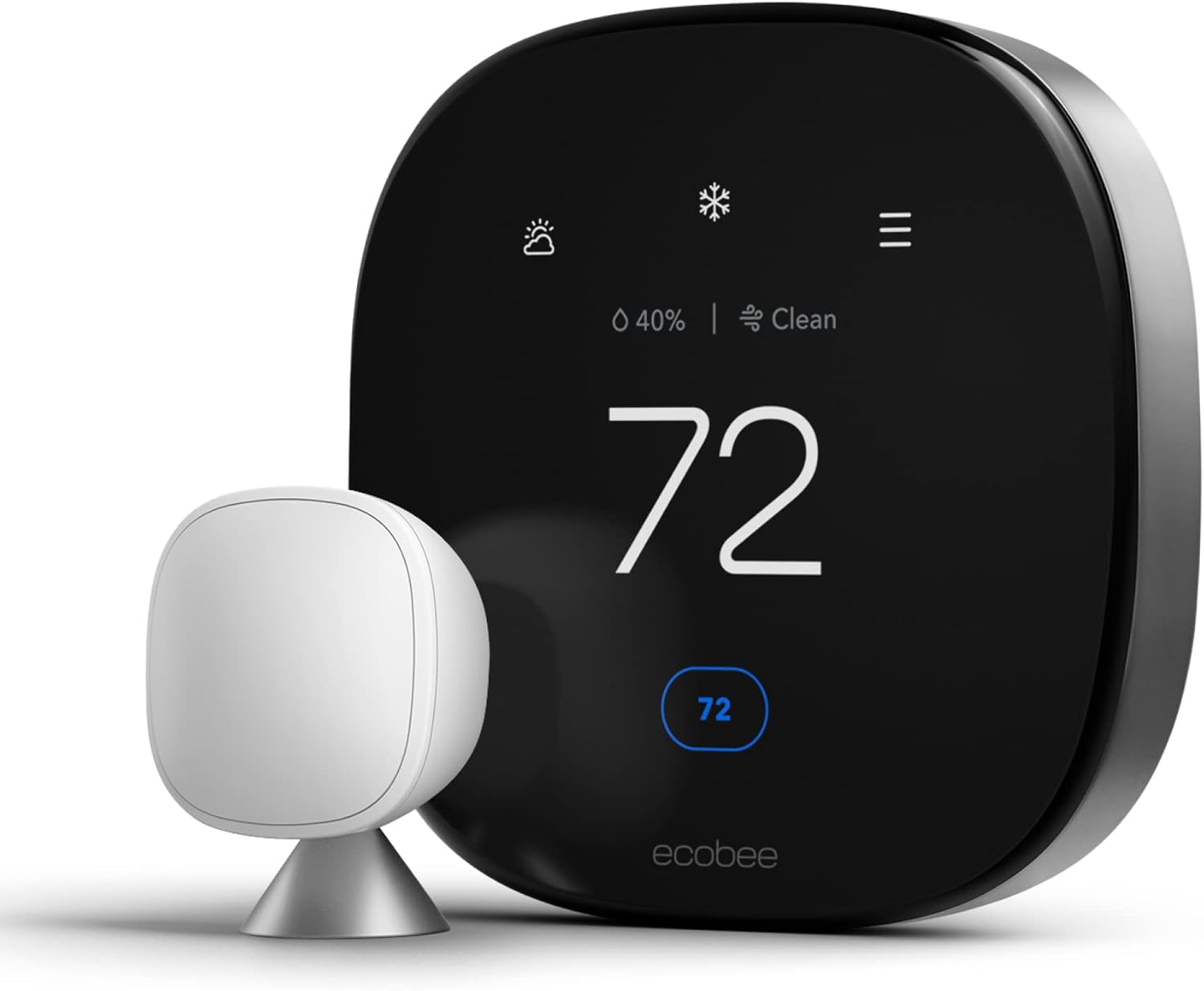
When comparing brands, our reviews of the Nest Learning Thermostat, the ecobee Smart Thermostat Premium, and the Honeywell Home T9 cover real-world performance. For a shortcut to the leaders, see our best smart thermostats for energy savings, and our checklist of key features to compare when buying.
| Feature | Manual Dial | Programmable | Smart |
|---|---|---|---|
| Automatic schedules | No | Yes | Yes |
| Remote control by phone | No | No | Yes |
| Room sensors | No | Rarely | Often |
| Learning behavior | No | No | Some models |
| Energy reports | No | Limited | Detailed |
| Typical cost | Lowest | Low | Moderate to high |
Why upgrade
- Hands-free savings
- Better comfort in occupied rooms
- Alerts and remote control
- Rebates may cut cost
Things to check
- C-wire requirement on some systems
- Setup takes patience
- Wi-Fi dependence
- Higher upfront price
Before buying, confirm compatibility. Our guides on thermostat wiring and thermostat and furnace compatibility will save you a return trip to the store.
11. Common Summer Mistakes That Waste Energy
Even people who know the right number often sabotage themselves with habits that quietly undo the savings. Here are the most common ones and how to fix them.
Mistake 1: Setting it very low to cool faster
As covered earlier, a standard AC does not cool faster at a lower setpoint. You simply end up with a colder house and a bigger bill. Pick the temperature you actually want and let the system get there.
Mistake 2: Constantly changing the setting
Nudging the thermostat up and down all day makes the system cycle unpredictably. Choose a schedule and trust it, adjusting only in one-degree steps.
Mistake 3: Leaving the fan on “On” instead of “Auto”
With the fan set to On, air blows continuously, even when the compressor is off. In humid weather, that can re-evaporate moisture from the coil back into your home. Auto is usually better for efficiency and humidity, unless you have a specific reason to circulate air constantly.
Mistake 4: Ignoring filters and maintenance
A clogged filter restricts airflow, forcing the system to run longer and cool poorly. Replace or clean the filter every one to three months during heavy use. Have a professional check refrigerant levels and coils at least once a year, and keep the outdoor unit clear of debris and plants.
Mistake 5: Closing too many vents
Closing registers in unused rooms seems logical, but it can raise duct pressure and reduce system efficiency. Rather than shutting vents, use zoning or smart vents designed for it.
Mistake 6: Poor thermostat placement
A thermostat in direct sun, near a window, or close to a kitchen will read inaccurately and cause the system to run longer. Relocating it or adding a remote sensor can fix this. If your unit is hard to read or doesn’t match reality, our guide on how to know if you need a new thermostat is a good next step.
Mistake 7: Forgetting about the vacation setting
Leaving the AC running at your home setting during a week-long trip is a classic waste. Use a vacation or hold mode, and keep humidity in mind. While our winter guide covers what temperature to set when on vacation in winter, the same logic applies in reverse in summer.
12. When the Number Does Not Match the Feeling
Sometimes you set the thermostat to 76 and the house stubbornly sits at 80, or the system runs constantly without making progress. Before assuming your setting is wrong, check whether something is broken.
The house will not reach the set temperature
If your home cannot hit the setpoint on a hot day, work through the basics: dirty filter, frozen evaporator coil, dirty outdoor unit, closed vents, or an undersized system. Our article on a thermostat not reaching the set temperature walks through the likely causes. Keep in mind that on the hottest days, even a healthy system may only hold about 15 to 20 degrees below the outdoor temperature.
The AC keeps turning on by itself
If cooling kicks in when you did not expect it, read why a thermostat keeps turning on the AC. Common causes include schedules, geofencing, heat from sun exposure, or a faulty sensor.
The thermostat may be the problem
A weak battery, miswiring, or a failing sensor can make the system behave erratically. Learn whether a bad thermostat can cause the AC not to cool, and use our guide to how to tell if your thermostat is bad to test it. If it is clicking or not responding, see why a thermostat clicks but does not turn on. Low battery warnings can also cause oddities, which we cover in thermostat low battery symptoms.
Simple diagnostic checklist
- Confirm the thermostat is set to Cool, not Auto-Heat or Off.
- Set the target at least 3 to 5 degrees below the current room temperature.
- Check the display for low-battery or error messages.
- Inspect and replace the air filter if it looks gray or clogged.
- Make sure the outdoor unit is running and clear of debris.
- Look for ice on the indoor coil or refrigerant line.
- If the problem persists, call a licensed HVAC technician.
| Symptom | Likely Cause | First Step |
|---|---|---|
| Never reaches set temperature | Dirty filter, low refrigerant, undersized system | Replace filter; schedule service |
| Short cycling | Oversized unit or sensor issue | Check thermostat placement |
| Cold but clammy | High humidity, short cycles | Use dehumidify mode |
| Blank screen | Dead battery or no power | Replace batteries; check breaker |
| Wrong reading | Sun on thermostat or sensor error | Move or add remote sensor |
If you are weighing a replacement because of age or repeated issues, see our guide to 12 symptoms and tests for a bad thermostat, and read up on HVAC system replacement cost if the whole system is nearing its end.
Frequently Asked Questions
What is the best temperature to set the thermostat in summer?
For most households, about 78°F (25.5°C) while you are home and awake offers the best balance of comfort and savings. You can go a few degrees cooler for sleeping and much warmer when no one is home.
Is 72 too cold for summer?
It is not harmful, but it is expensive. Holding 72°F on a hot day means a large temperature gap for your AC to maintain, which drives up energy use. If you love 72, try raising it one degree at a time and add a fan to see how little change you notice.
Is 80 degrees too hot for a house in summer?
For many healthy adults, 80°F with a ceiling fan is comfortable, especially in dry climates. It is less ideal for babies, older adults, pets, or anyone sensitive to heat, and in humid regions it can feel sticky unless the air is dehumidified.
What temperature should I set the thermostat when I leave for work?
A setting 7 to 10 degrees above your normal comfort temperature, such as 85 to 88°F, works well for a typical workday. If you have pets, keep it moderate, and if you have a heat pump, use a smaller setback.
What is the best temperature for sleeping in summer?
Most adults sleep well between 72 and 76°F in summer, though sleep guidance suggests cooler is better if you can afford it. Pair your setting with light bedding and a fan to stay comfortable without overspending.
Does raising the thermostat really save money?
Yes. Energy guidance suggests that each degree of increase over a long period can reduce cooling costs by roughly 1 to 3 percent, and a long daily setback can cut annual costs by up to about 10 percent. Actual savings depend on your climate, house, and equipment.
Should I leave the AC running all day or turn it off when I leave?
It is generally more efficient to raise the setting while you are away than to turn the system fully off, especially in humid climates, since it keeps moisture under control. A moderate setback strikes the best balance.
Is it better to set the fan to Auto or On?
Auto is usually better in summer because it runs the blower only when the system is cooling, which saves electricity and helps with humidity control. The On setting can help with air circulation or uneven rooms but may re-humidify the home.
Does a lower thermostat setting cool the house faster?
No. A conventional AC cools at roughly the same rate regardless of the target. A lower number just means it will keep running longer, and it may overshoot to a colder temperature than you need.
What humidity level should I aim for in summer?
Aim for about 30 to 50 percent relative humidity indoors. Above 60 percent, you risk mold and musty odors, and the air will feel warmer than the thermometer says.
What temperature should I set for a vacation in summer?
Many people choose 85 to 88°F for extended trips. In humid regions, use a dehumidify setting or keep a little lower to avoid mold. If you have pets or sensitive plants staying home, consult a sitter and choose a safer limit.
Why does my house feel hot even when the thermostat says 76?
Common culprits include high humidity, sun-heated rooms, a poorly placed thermostat, restricted airflow from a dirty filter, or an undersized or aging system. Use a separate thermometer and hygrometer to compare readings, and check the troubleshooting section above.
Conclusion: Your Summer Thermostat Plan
The best temperature to set your thermostat in summer is not a mystery. Aim for about 78°F when you are home, push it up to the high 80s when the house is empty, and give yourself a cooler window of 72 to 76°F for sleeping if that is what your body needs. Then let humidity control, airflow, and shade do the rest of the work.
Treat the numbers in this guide as starting points. Change one degree at a time, give your body a few days to adjust, and watch how your energy bill responds. Add a smart or programmable thermostat if you want to automate it, keep up with filters and maintenance, and take extra care with babies, older adults, and pets. Do those few things, and you will stay comfortable all summer without paying for a house that is colder than it needs to be.
- Home and awake: about 76–78°F, with fans running
- Away for the workday: 7–10 degrees higher
- Sleeping: roughly 72–76°F with breathable bedding
- Humidity: 30–50 percent for true comfort
- Maintenance: fresh filter and a clear outdoor unit
You May Also Like
Keep exploring thermostats, thermos gear, and thermometers with these related guides.




 Home
 Info
 Compare
 Reviews
 Shop